
How to Create a Question Paper Online: Step-by-Step Guide for Teachers
Learn how to create a question paper online step by step. Choose your board, class, subject, chapters and question types to generate a professional printable paper.
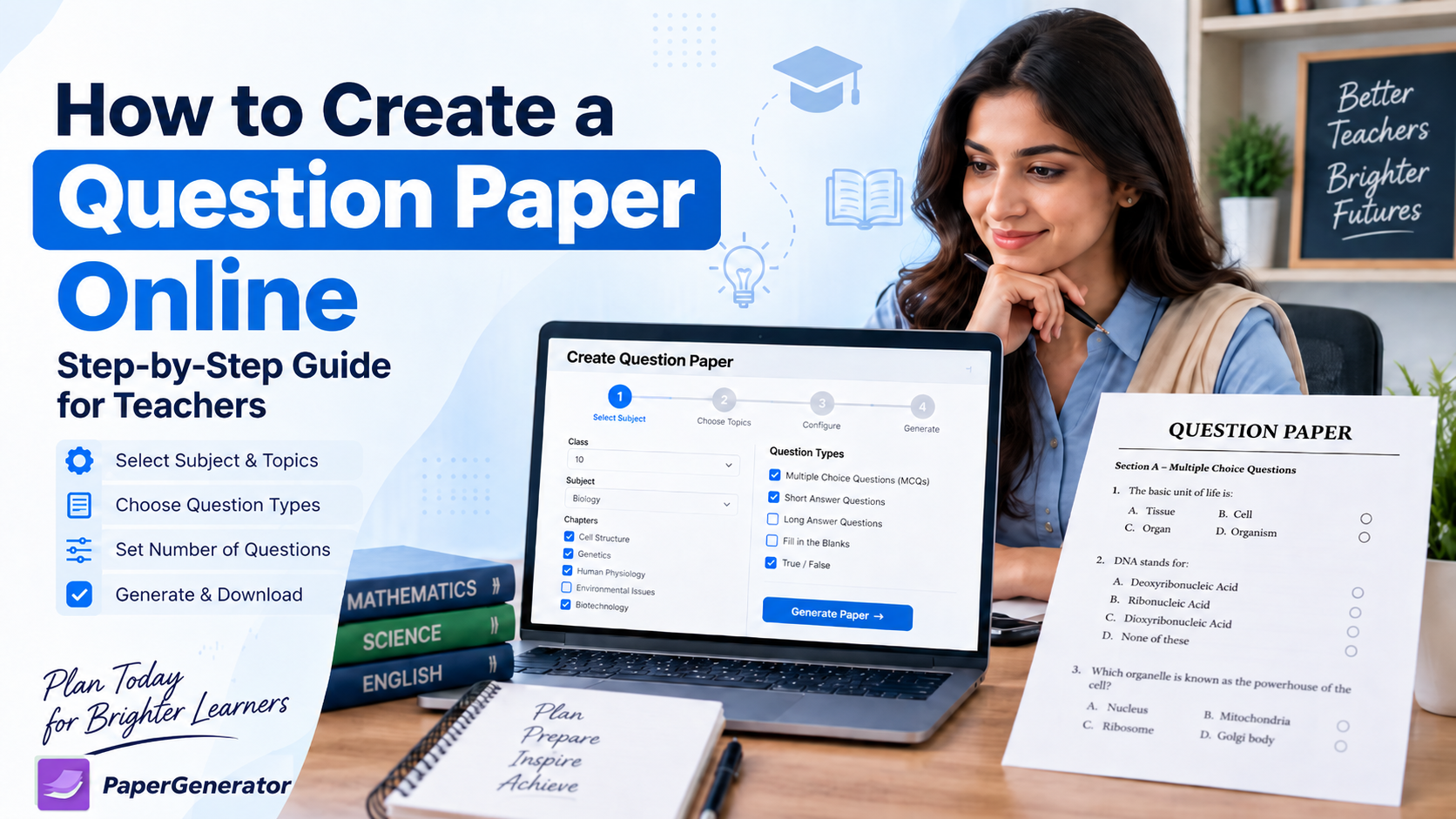
Creating a well-balanced question paper can take a lot of time. Teachers need to select the correct syllabus, choose suitable questions, distribute marks properly, include different question types and make sure the paper can be completed within the available examination time.
An online question paper generator can make this process much easier.
Instead of manually searching textbooks, notes and old papers, teachers can select the required board, class, subject, chapters and question types and create a structured paper in just a few steps.
In this guide, we explain how to create a question paper online, what teachers should check before generating a paper and how digital tools can simplify regular assessment preparation.
Why Create a Question Paper Online?
Teachers regularly prepare weekly tests, monthly assessments, mid-term examinations, revision papers and mock exams.
Creating every paper manually can become repetitive and time-consuming.
An online paper generator can help teachers organise the process by allowing them to select the required syllabus and paper structure before generating the final assessment.
GeneratePaper currently provides a structured workflow where users can select the board, class, subject, chapters or topics and paper template before generating a printable PDF. The platform also supports MCQs, short questions, long questions, comprehension and mixed papers.
This allows teachers to spend more time reviewing the educational quality of the paper rather than repeatedly formatting questions.
Step 1: Decide the Purpose of the Test
Before creating a question paper, first decide what you want to assess.
A weekly chapter test should normally be shorter than a final examination. A revision test may cover several chapters, while a classroom quiz may focus on only one concept.
Before starting, determine:
- Class
- Subject
- Chapters
- Total marks
- Test duration
- Question types
- Difficulty level
Planning these elements first can help prevent the final paper from becoming too easy, too difficult or too lengthy.
Step 2: Select the Correct Board
The next step is selecting the educational board or examination pattern.
This is important because curricula and examination structures may differ between boards.
For example, a teacher creating a Federal Board Class 9 paper should select the FBISE syllabus rather than questions belonging to another board.
GeneratePaper is designed around board-based paper generation and currently supports Federal Board and Pakistani board-style paper preparation.
Teachers can start from the GeneratePaper Online Paper Generator.
Step 3: Choose Class and Subject
After selecting the board, choose the required class and subject.
For example:
Federal Board → Class 9 → Biology
Selecting the correct class and subject ensures that the available chapters and questions belong to the intended syllabus.
This step is particularly important when preparing formal school or academy examinations because using questions from the wrong syllabus can confuse students and reduce the quality of the assessment.
Step 4: Select Chapters and Topics
After choosing the subject, select the chapters that should appear in the paper.
For a chapter test, you may choose one chapter.
For a mid-term examination, you may select several completed chapters.
For revision or mock-exam preparation, you may select a larger part of the syllabus.
GeneratePaper supports chapter and topic filters, which can help teachers create targeted tests for specific areas of study.
Topic-based assessment is especially useful when students need additional practice in a weak concept.
Step 5: Choose Question Types
A good examination usually contains appropriate question formats according to the subject and assessment objective.
Teachers may include:
- Multiple Choice Questions
- Short Questions
- Long Questions
- Comprehension Questions
- Mixed Questions
GeneratePaper currently supports MCQs, short questions, long questions, comprehension and mixed exam papers.
Different question types can assess different abilities.
MCQs may test recognition and conceptual understanding, while short and long questions can assess explanation, reasoning and written expression.
Step 6: Set Marks and Paper Structure
The next step is deciding how marks will be distributed.
Teachers should check:
- Total marks
- Number of sections
- Marks per question
- Optional questions
- Number of MCQs
- Short-question distribution
- Long-question distribution
The final structure should match the purpose and duration of the examination.
Teachers preparing board-style assessments should also compare their paper with the latest official assessment guidance.
For Federal Board classes, the FBISE Assessment Framework and Model Question Papers provide useful official references for subjects at SSC and HSSC levels.
You can check the official resource here:
FBISE Assessment Framework & Model Question Papers
Step 7: Generate the Question Paper
After selecting the board, class, subject, chapters and paper structure, generate the paper.
GeneratePaper's workflow currently allows teachers to move through these selections and create printable board-pattern papers with PDF output.
However, generating the paper should not be the final step.
Teachers should always review it before printing or sharing it with students.
Step 8: Review the Generated Paper
Read the paper carefully as if you were a student attempting it.
Check whether:
- All questions belong to the selected syllabus.
- Question numbering is correct.
- Marks are accurate.
- Instructions are clear.
- Questions are not unnecessarily repeated.
- Different chapters receive reasonable coverage.
- The test can be completed within the available time.
- Spelling and formatting are correct.
Online tools can save preparation time, but the teacher should remain the final reviewer.
Step 9: Download and Print the Paper
After reviewing the paper, create the final printable version.
PDF format is particularly useful because the layout normally remains consistent when the paper is opened on another computer or sent to a printing service.
GeneratePaper provides print-ready PDF output and saved paper history as part of its current paper-generation workflow.
Teachers can organise generated papers into folders such as:
- Weekly Tests
- Monthly Tests
- Mid-Term Papers
- Final Exams
- Revision Papers
- Mock Exams
This makes previous assessments easier to reuse and review.
Use Past Papers for Additional Practice
Past papers can also help teachers understand how concepts have been assessed previously.
They can be useful for:
- Revision
- Identifying common question styles
- Exam practice
- Understanding marks distribution
- Preparing mock examinations
However, past papers should not replace the latest curriculum or official assessment framework.
Where an examination pattern has changed, current official guidance should take priority over older papers.
Teachers can also explore GeneratePaper Entry Test and Practice Resources for additional practice material. GeneratePaper currently provides online MCQs, PDF papers, answer keys and topic-based preparation for multiple test categories.
Can Teachers Create Online Quizzes Too?
Yes.
Not every assessment needs to be printed.
Teachers can use online quizzes for homework, revision, quick classroom assessment or formative testing.
Google Forms allows teachers to create quizzes, assign correct answers, set points and provide feedback.
Learn to Create Quizzes with Google Forms
Microsoft Forms also allows educators to create quizzes, add different question types and preview the assessment before sharing it with students.
Create a Quiz with Microsoft Forms
These tools can complement printable papers when teachers want students to complete assessments digitally.
Common Mistakes Teachers Should Avoid
Teachers should avoid:
- Using questions outside the syllabus.
- Taking too many questions from one chapter.
- Using an outdated examination pattern.
- Creating a paper that is too long.
- Repeating very similar questions.
- Using only difficult questions.
- Printing a generated paper without proofreading it.
A balanced assessment should give students opportunities to demonstrate different levels of knowledge and understanding.
How GeneratePaper Can Help Teachers
GeneratePaper is designed to simplify the paper-creation process for teachers, schools and academies.
Its current workflow includes board, class and subject selection, chapter and topic filtering, board-pattern templates, different question types, instant PDF generation and MCQ answer keys.
Teachers can use the GeneratePaper Homepage and Paper Generator to begin creating practice papers.
Instead of rebuilding every assessment manually, teachers can spend more time reviewing questions and supporting student learning.

